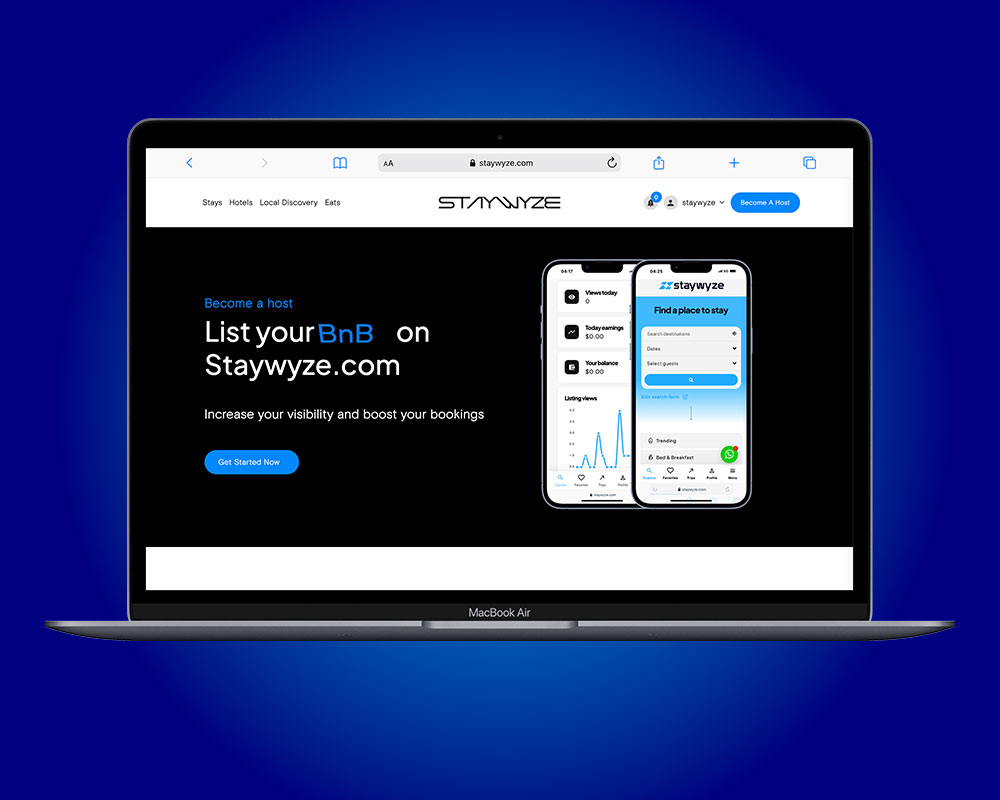
Are you a property owner with a guesthouse, apartment, lodge, or even just a spare room that’s not in use? Why not turn it into a money-making opportunity by listing it on Staywyze, Zimbabwe’s fast-growing short-stay booking platform?
At Staywyze, we make it easy for you to earn income by hosting travelers, tourists, business professionals, and locals looking for safe and convenient accommodation.
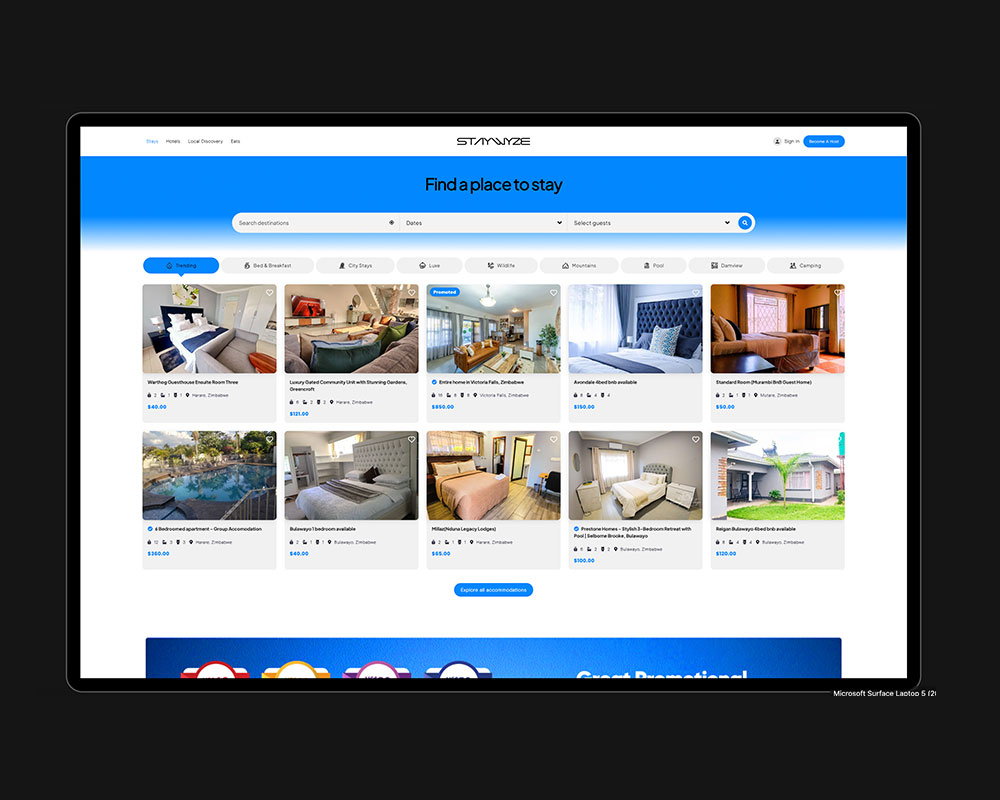
Why Become a Staywyze Host?
- It’s FREE to register and list your property
- Start earning extra income from your space
- Manage your bookings online through a user-friendly dashboard
- Get access to verified guests for secure hosting
- Reach a wide market across Zimbabwe and beyond
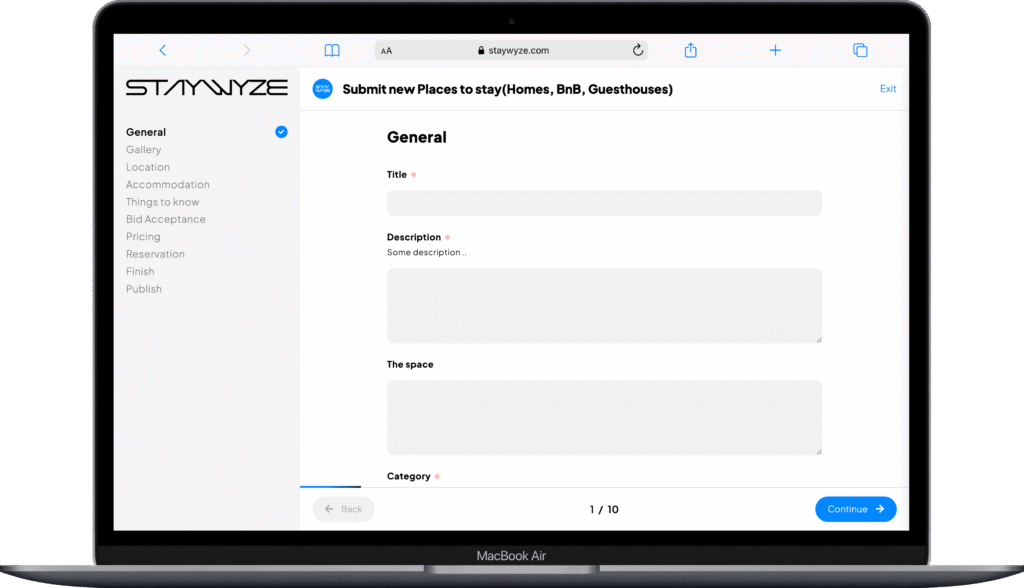
How to Become a Host on Staywyze
Becoming a host is simple, fast, and free. Here’s how you can get started:
1. Sign Up for a Host Account
Visit our website www.staywyze.com and click on “Become a Host”. You’ll be guided to create your free Staywyze Host profile.
2. Click on get started and you will see 4 options as your submission types and you choose one that fits your property.
- Places to stay (BnBs, lodges, guesthouses)
- Hotels
- Local discovery
- Eats
2. Upload Your Property
Once you’re signed in:
- Add property details (Title which is the name you give your property, type, location, number of guests, rooms, etc.)
- Tick all the amenities that are found on your property. (Wi-Fi, parking space, Netflix, braai area etc)
- Write things to know about your property for examples surrounding discoveries such as eats and night life or shopping malls.
- Upload clear, high-quality photos
- Select region and put physical address
- Put information about the number of bedrooms, toilets and bathrooms. (there is a ticking function so that you won’t spend time doing it)
- Write things to know about your property such as your rules and regulations.
- Put your check in and checkout time.
- You will see a Bid functionality and you have a choice to accept bidding on your property or not. If you not want bidding, you simply skip this stage. If you accept bidding you tick YES and put the place the bid on the percentage which you want. For example, if you only accept price negotiation down to 5% discount, that’s where you put the bidding offer on.
- If you allow instant booking, tick the yes box, and put the maximum number of guests allowed.
- Set your nightly rate
- At this stage you are about to publish your property. Press publish button.
3. Go Live and Start Earning
After submission, our team will review and approve your listing. Once live, guests can start booking your space—and you start earning!
Tips for a Great Listing:
- Use bright, tidy photos of your space
- Highlight unique features like Wi-Fi, secure parking, Netflix or self-catering
- Keep your calendar and prices updated
- Respond to booking requests quickly and professionally
👋 Need Help?
Our support team is here for you. Whether you’re new to hosting or need guidance setting up your listing, we’re happy to walk you through the process.
📞 Contact us at: [email protected]/ [email protected]
📱 Call/WhatsApp: +263 771676734